
A focused billing workspace, with room to make it yours.
Mavri brings everyday invoicing and quote work into one self-hosted app. Start with documents and client records, then connect the parts of your workflow you want to automate.
Create a quote or an invoice
Build a client-ready document in one editor.
- Pick lines from your catalog or type them freely.
- Tax per line and per document: added, included or withheld.
- Discount, surcharge and shipping when you need them.
- Notes, terms and bank details; presets and styles to start faster.
- Convert an accepted quote into an invoice; duplicate any document.
- Print or save as PDF from your browser.
- Download UBL 2.1 (Peppol BIS 3.0) or XRechnung 3.0 XML; Mavri names any missing field.
Limits: Mavri does not email invoices; print or save as PDF, then send it yourself. Tax and e-invoicing rules vary: verify your setup with a qualified local adviser.
Create your first document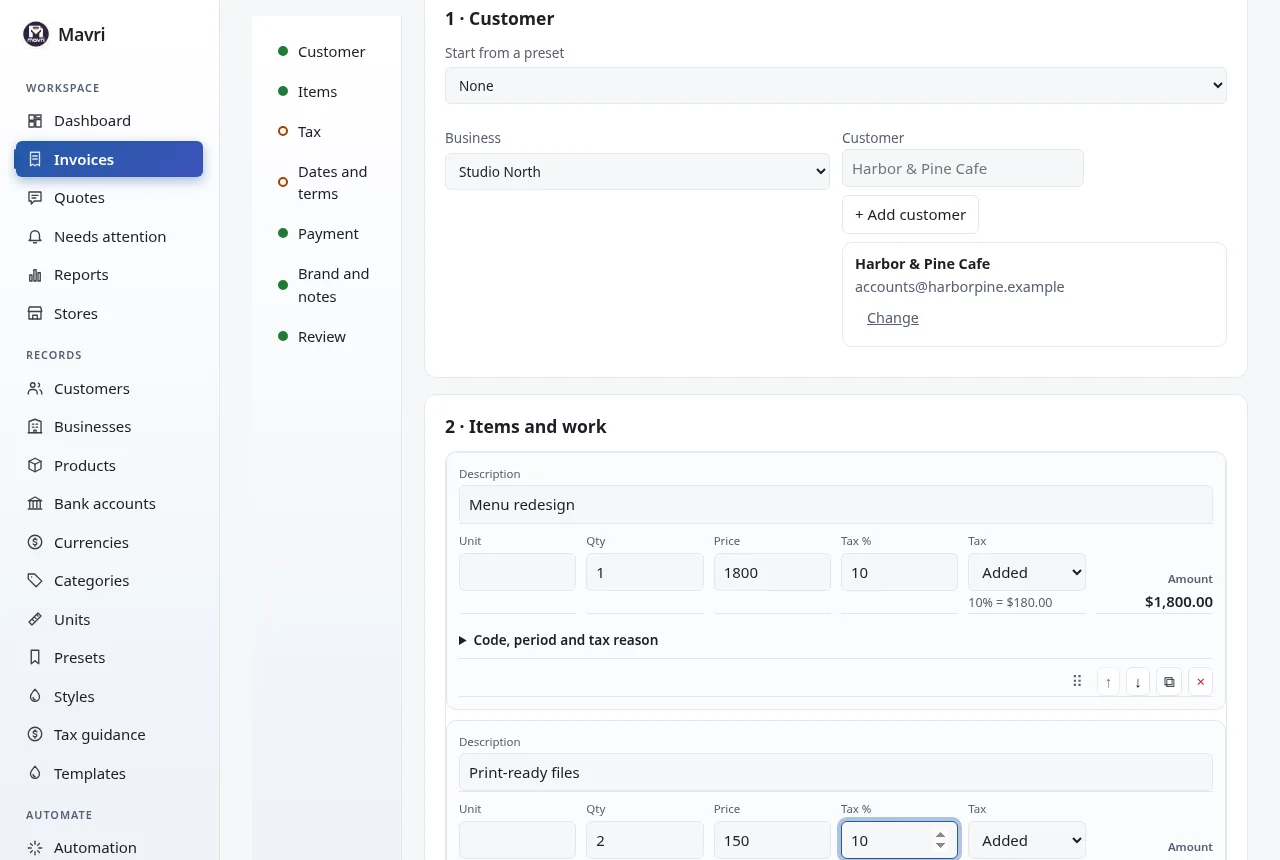
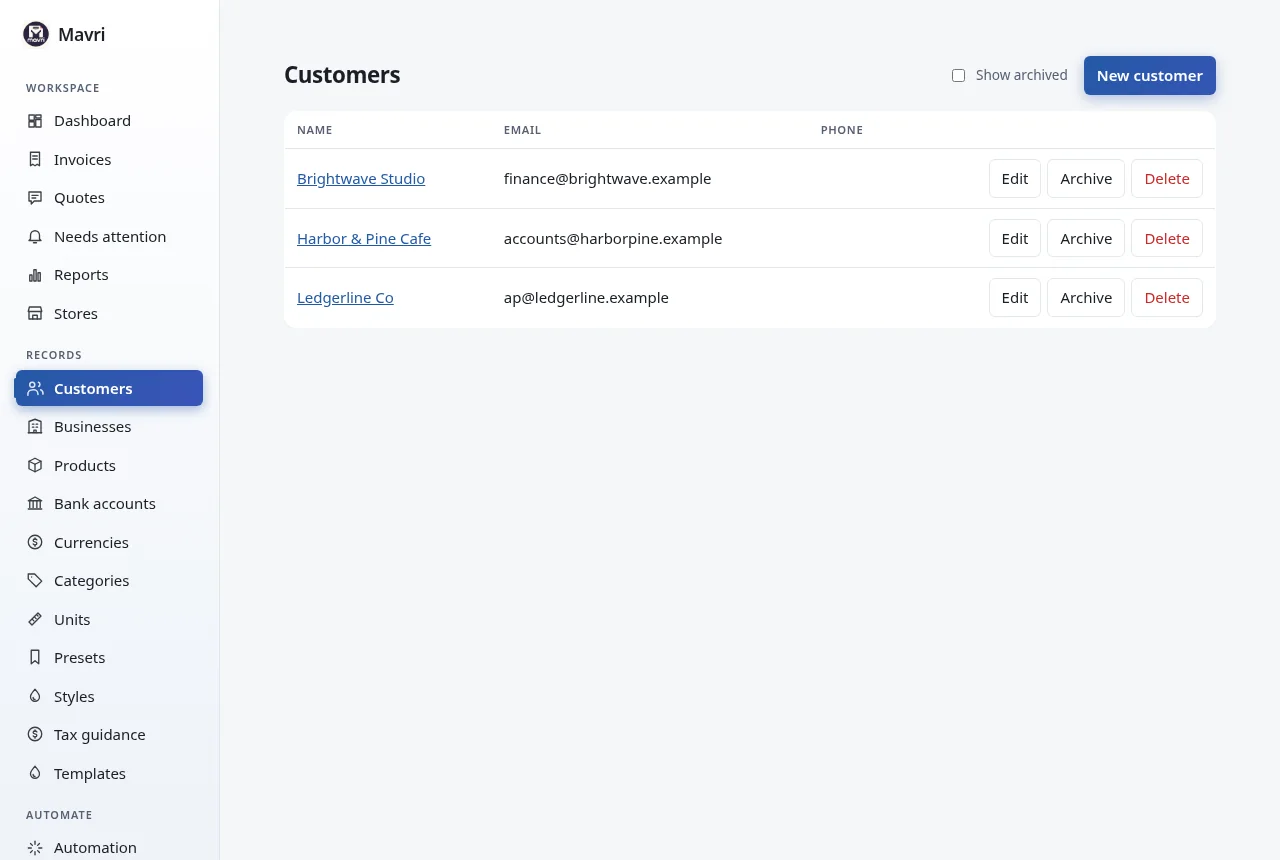
Clients and reusable items
Keep the things every invoice needs ready.
- Businesses (who sends), customers (who you bill), products, bank accounts, currencies, categories and units.
- Each document keeps a snapshot, so later edits never rewrite history.
- Archive hides a record without breaking old invoices; delete is refused while a record is in use.
Limits: The interface is in English.
Know what is outstanding
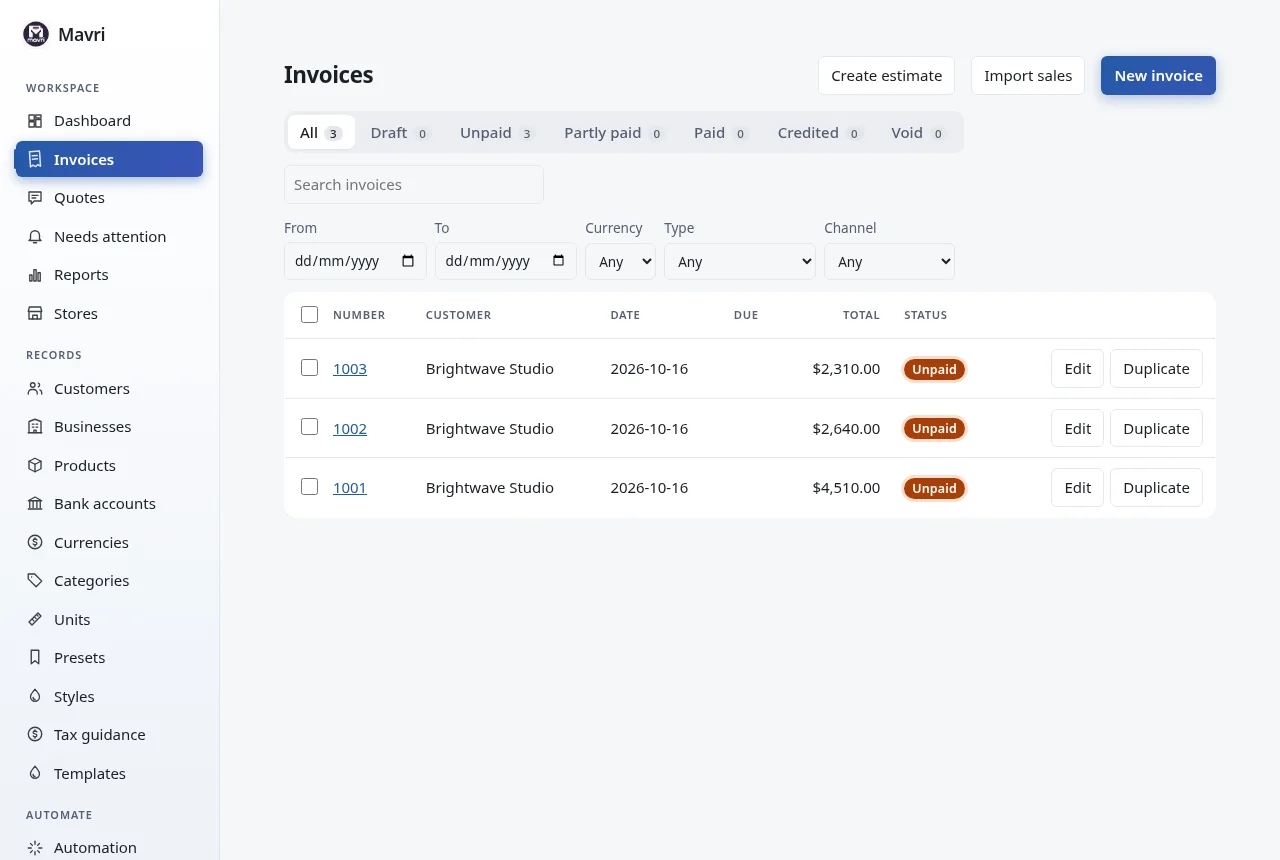
See where every invoice stands.
- Dashboard with outstanding, overdue and billed totals, and a setup checklist.
- Status tabs with counts and overdue flags.
- Record partial payments; status becomes Partly paid or Paid by itself; Void cancels.
Limits: Mavri tracks payments you record, and records a card payment when Stripe confirms it on Stripe’s own page. Mavri is not a payment processor, and a payment QR code never marks an invoice paid.
One page, in the order you think
Customer, items, tax, dates, payment and brand, with the finished document beside you.
- A live preview, and a review that lists what is required, recommended and optional.
- Add a customer without leaving the page; keyboard shortcuts for adding and moving lines and for saving.
- Your draft is kept in this browser, so a refresh does not lose it.
- Fifteen templates, from a ledger grid to GST, VAT and thermal receipts.
- Invoices start as drafts and are locked when issued; credit and debit notes fix mistakes.
Limits: A template changes how a document looks, never its amounts. Issued invoices are locked; payments, refunds and voiding still work.
Get paid, and chase what is owed
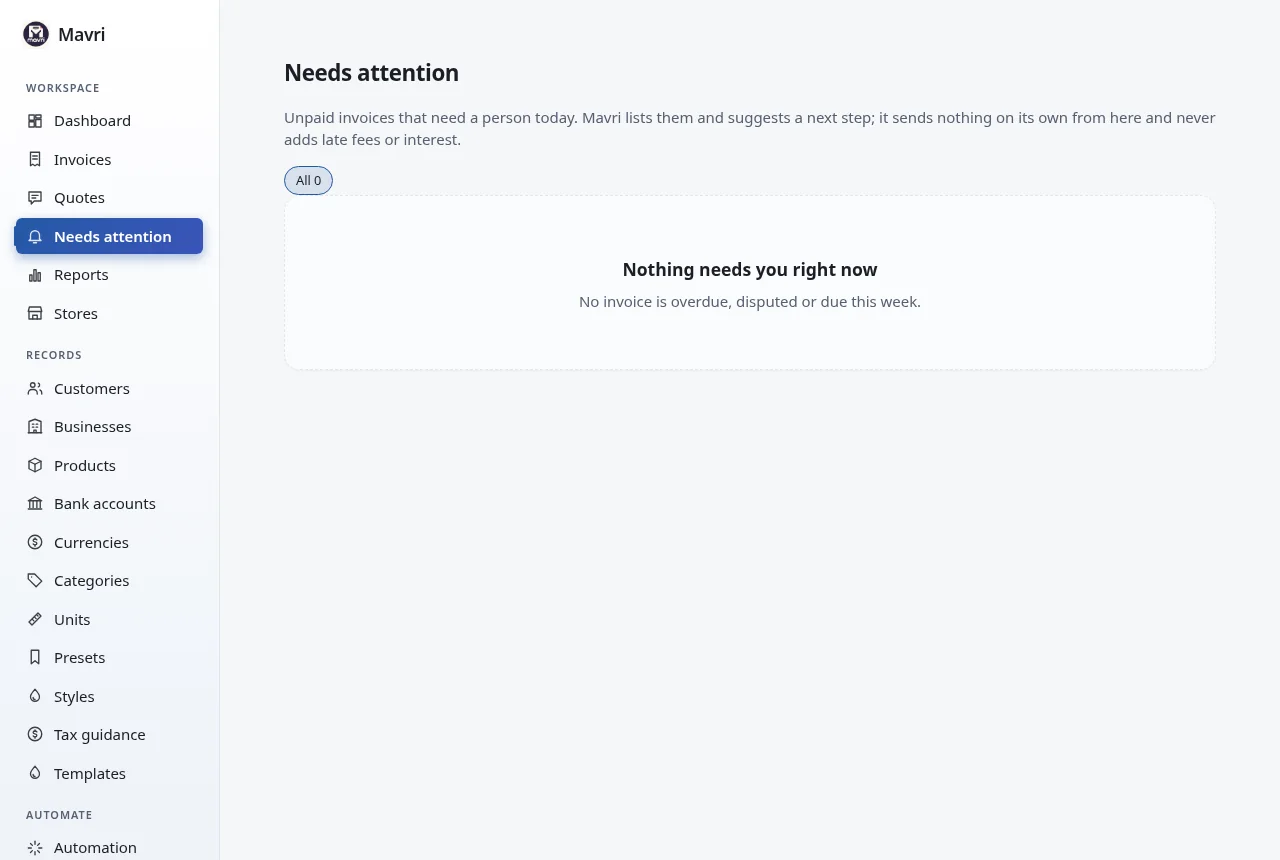
Payment details a client can act on, and a list of what needs you today.
- UPI and SEPA payment QR codes for the remaining balance, always beside the same details as text.
- Stripe Checkout for cards, recorded when Stripe confirms; automatic reminders; promises to pay, disputes and pauses per invoice.
- A Needs attention list, most urgent first, with a suggested next step. Mavri never adds late fees.
- Match a bank statement to unpaid invoices: Mavri suggests, you confirm each line.
- A page per customer with what they owe by how late it is, and VIES checks of EU VAT numbers.
Limits: Scanning a QR code never marks an invoice paid; you record the payment when the money arrives. Other payment providers, refunds and chargebacks are not built.
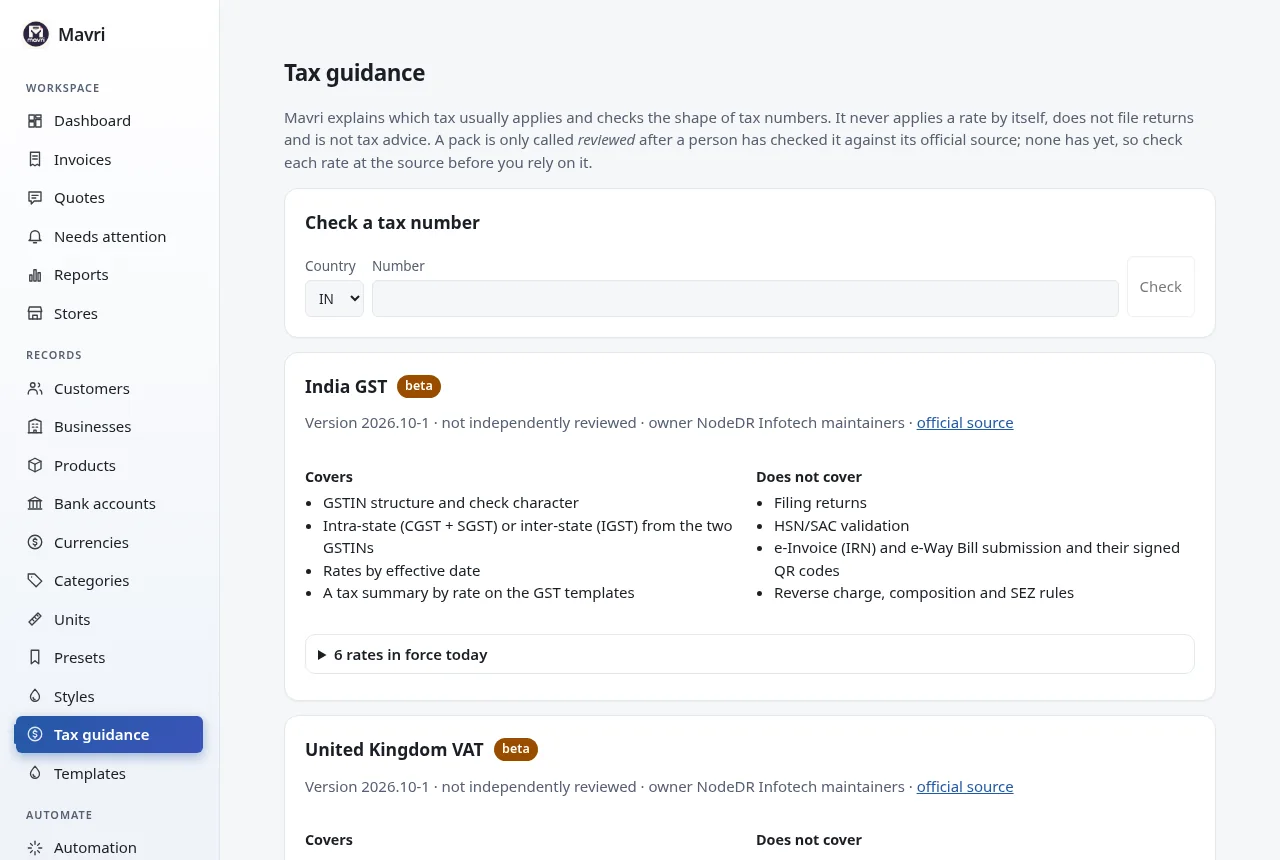
Tax guidance, not tax advice
What usually applies, the facts it rests on, and what only you can decide.
- India GST, UK VAT, EU VAT, UAE VAT and US sales tax, with rates and the date each began.
- Tax number checks: check characters for India and the UK, shape for the rest.
- Same state or different state in India (CGST and SGST, or IGST), reverse charge between EU businesses, exports as a decision for you.
- Documents in a customer’s language: draft translations of the printed labels for nineteen languages, Arabic and Urdu right to left.
Limits: Mavri never applies a rate itself and files nothing: no e-invoice IRN, e-way bill, VIES or return. No pack has been reviewed by a person yet, and the translations are drafts.
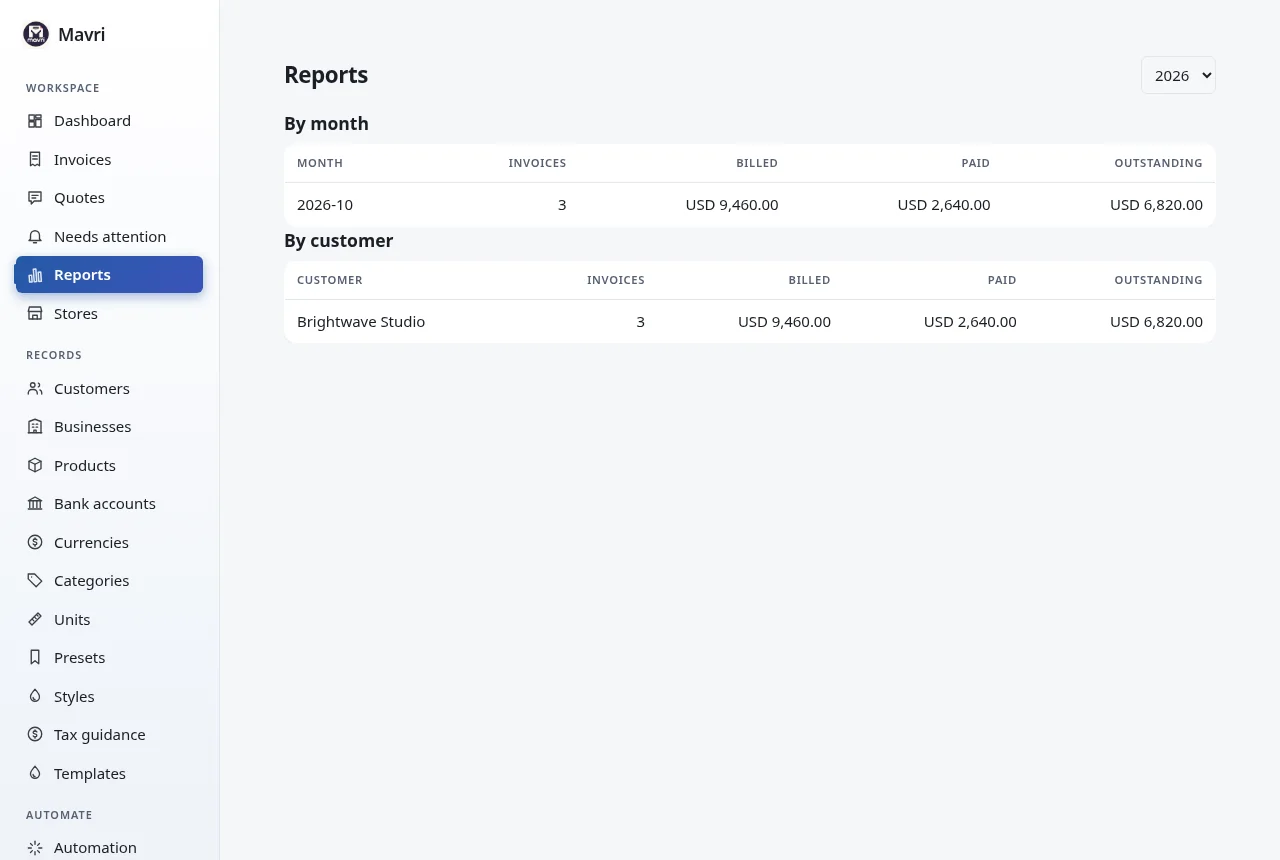
Reports
Billed, paid and outstanding at a glance.
- By month and by client for a chosen year.
- Totals are kept per currency.
Limits: Reports cover the year you choose; they are views of your records, not accounting statements.
Records you can take with you
One Docker container and one SQLite database. A guided first run. No analytics, no tracking.
- Download a backup from Settings, and copy the data folder for keys and store secrets.
- Optional version check to GitHub; switch it off with
UPDATE_CHECK=off. - Update now on CasaOS with the bundled updater; pull the new image elsewhere.
- Light and dark themes, with motion that respects your system settings.
Illustration, not the Mavri interface.
Make billing part of the workflow you already use.
The API, webhooks and MCP server are all served by your own Mavri installation.
- REST API with API keys, versioned under
/api/v1. - Signed webhooks for Shopify, WooCommerce or any sender that can sign a JSON body (HMAC-SHA256).
- MCP server (
mavri-mcp) so AI tools can work with your documents through an API key. - Orders are idempotent per store connection and external order ID.
Create an invoice from an order
curl -X POST http://localhost:3001/api/v1/orders \
  -H "Authorization: Bearer $KEY" \
  -H "Content-Type: application/json" \
  -d '{"shopId":1,"externalOrderId":"ORD-1001","customer":{"name":"Acme Ltd","email":"billing@acme.test"},"lineItems":[{"name":"Consulting","quantity":2,"unitPriceMajor":150}]}'
Replace $KEY and the host with your own API key and address. Example from the project README.